Blog ·

How to Post an AI Video on TikTok, and Label It

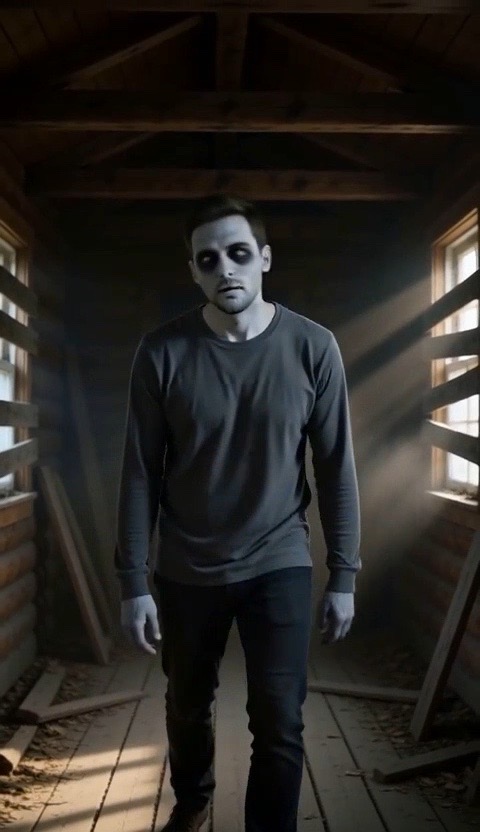
Zombie Love Story

You made the clip. Before you hit post, here is how to upload it so it plays properly, picks up a sound, and carries the AI label each platform expects.

Make it yourselfZombie Love StoryOne of you turns, the other cannot let goTry it

Before you upload

  • Keep the file as it came. Download the MP4 and upload that file. Screen recordings and re-saved copies lose sharpness.
  • Use vertical. TikTok, Instagram Reels and YouTube Shorts all show 9:16 full screen. A vertical clip needs no cropping.
  • Pick the sound first. If your clip has its own audio, you can keep it. If you want a trending sound, choose a silent version when you make the video, then add the sound inside the app so the post is linked to it.
  • Check the first second. People decide whether to keep watching almost at once, so make sure the first frame is clear and the face is visible.

Posting on TikTok

  1. Tap the plus button and upload the MP4 from your camera roll.
  2. Add your sound, text and cover frame.
  3. On the post screen, open More options and look for the AI-generated content switch. Turn it on.
  4. Write a short caption. Name the trend in plain words so people who search for it can find the clip.
  5. Post.

The exact menu names can differ by app version and country. If you cannot find the switch, search the settings for "AI-generated".

Posting on Instagram Reels and YouTube Shorts

  • Instagram. When you share, open the advanced settings and look for the option to add an AI label. Instagram may also add a label on its own when it detects signals that a video was made with AI.
  • YouTube. In the upload details, answer the question about altered or synthetic content. Realistic people in a scene that did not happen is the case it is asking about.

Why the label matters

Each platform asks you to disclose realistic AI-generated video, and each may add its own label if you do not. Skipping the label does not make the video look more real, but it can get the post taken down or limit who sees it, and repeated misses can put your account at risk. A labelled clip posted by someone who is clearly in on the joke is the normal way these trends spread.

Labelling is also simple good manners. Anyone watching should be able to tell the clip is AI-made, especially when it shows a real person.

Rules that go beyond the label

  • Get consent. Everyone shown in the clip should have agreed to be in it, and everyone should be an adult. Tag them so they can share it.
  • Do not use public figures. Do not make clips that put a celebrity or politician in a scene.
  • Do not pass it off as real. A trend video is entertainment. Do not use one to claim something happened.
  • Keep it light. A clip made to scare, embarrass or harass someone can be removed whatever the label says.

What to do if a post is removed or limited

Open the notice in the app and read which rule it names. Most of the time the cause is a missing label or a clip that looks like a real event. Add the label, re-post, and if you believe the removal is a mistake, use the appeal option in the same notice.
FAQ

Do I have to label an AI video on TikTok?

TikTok asks creators to label realistic AI-generated content, and it may add a label itself. The safe habit is to turn the label on for every trend video you make with AI.

Will the AI label hurt my views?

There is no reliable way to know. What is clear is that unlabelled realistic AI content is the kind platforms act on, so the label is the lower-risk choice.

Can I post the same video on TikTok, Reels and Shorts?

Yes. The vertical MP4 works on all three. Each app has its own label setting, so switch it on separately in each one.

Can I use an AI trend video for my business account?

You can post the videos you make here, including from a business account. Label them as AI-generated and read the platform's rules for business content.

Which trends can I make right now?

The trends we offer are on the all trends page, each with its story already set up. You bring the photo and download the MP4.