Blog ·

Is It Safe to Upload a Selfie to an AI Video Tool?
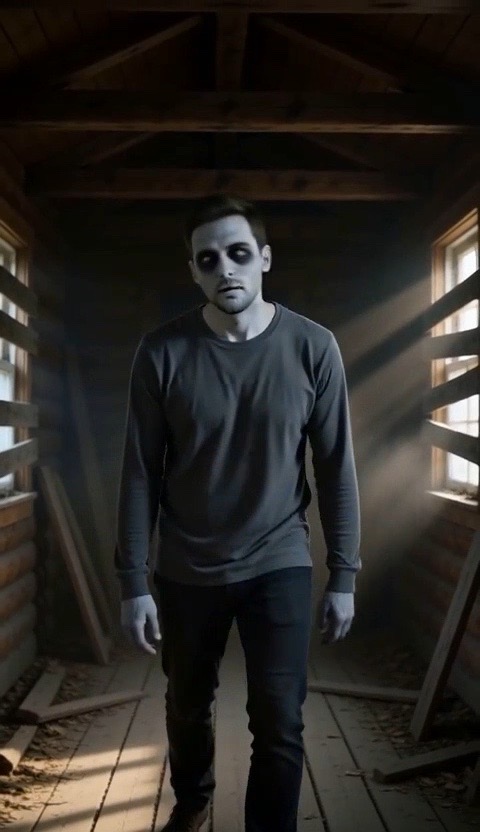
Zombie Love Story

Short answer: it depends on the tool, and you can check before you upload. Here is what to look for, and what we do with your photo.

Make it yourselfZombie Love StoryOne of you turns, the other cannot let goTry it

What can go wrong with a selfie

A selfie is a clear picture of your face, which makes it more sensitive than most files. The risks with any AI tool are simple:

  • The photo is kept longer than you expect, sometimes indefinitely.
  • It is reused, for example to train AI models or for ads.
  • It is stored where others can reach it, such as a public link.
  • It is shared with other companies you never heard of.
  • A video of you ends up somewhere you did not intend.

Five things to check before you upload

  1. Is there a privacy page you can read? If not, do not upload.
  2. Does it say what happens to your photo, and when it is deleted? Look for a clear time, not "as long as needed".
  3. Does it say whether your photos train AI models? The answer should be a plain no.
  4. Who else receives the photo? Tools that send your photo to a video model should name that step.
  5. Can you ask for your data to be deleted? There should be an email address that works.

If a tool fails two of these, use a different photo or a different tool.

What Trend Video Maker does with your photo

This is how it works today. Our privacy page has the full text, and it is the one to rely on if anything differs.

  • Used to make your video, and nothing else. Your photos are not shown publicly, and we do not use them or your videos to train AI models.
  • Private storage. Photos are saved in our own private storage and are never public.
  • Checked on size. Photos smaller than 300 by 300 pixels are turned down before upload. Large photos are scaled down in your browser before they are sent.
  • A temporary link to the video service. The AI service that makes the clip gets a temporary link to your photos that expires within a few hours. Your browser does not send photos to them directly.
  • Deleted when the video is done. Your photos are removed from our storage as soon as your video is finished or has failed. As a safety net, anything left behind is deleted automatically within a day.
  • Your account and data. Email support@trendvideomaker.com from the address you signed in with to ask for a copy of your data or for your account and its records to be deleted.

What we cannot promise: that no one will misuse a video once you post it, or how a video service handles data once it has received the temporary link. Our privacy page lists the services we use.

Sensible habits for any AI video tool

  • Use a photo you are comfortable with. A plain, well-lit face photo is all the tool needs. Skip photos that show your address, documents or children.
  • Only upload people who agreed. Everyone in the photo should be an adult who knows what it is for.
  • Do not upload celebrities or other public figures. It is against our rules and often against the law.
  • Look at the result before you post it. If you do not like how you look, do not publish it.
  • Label it as AI. TikTok, Instagram and YouTube all expect it.

FAQ

Do you keep my photos?

No. Photos are deleted from storage once your video is finished or has failed, and anything left over is cleared automatically within a day.

Are my photos used to train AI?

No. We do not use your photos or videos to train AI models.

Who can see my video?

Your video is tied to your account. We do not publish it. It is yours to download and post wherever you like.

Can I delete my account and data?

Yes. Email support@trendvideomaker.com from the address you signed in with and ask us to delete your account and records.

Is it safe to use a photo of someone else?

Only with their clear agreement, and only if they are an adult and not a public figure. That is a rule on this site.